Here is step by step on how to run golang locally using Ngrok.
- First, register Ngrok from this site: https://ngrok.com/
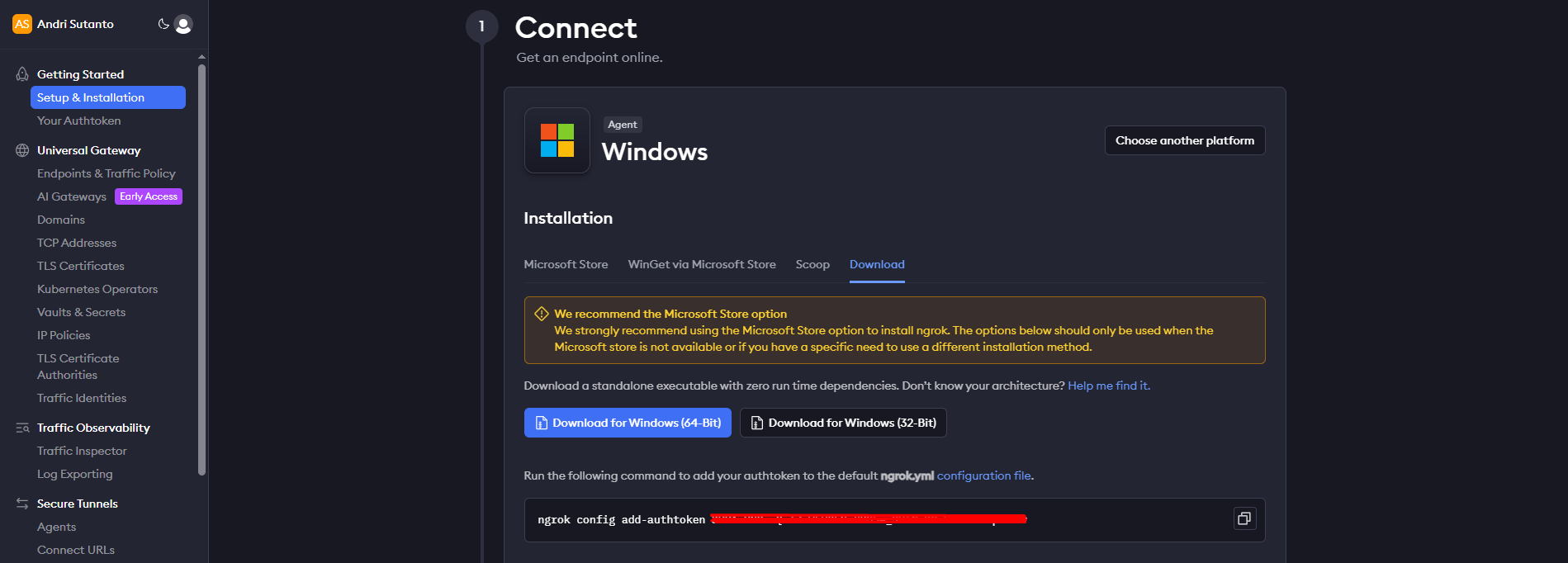
- Download Ngrok client. Since I use Windows, then I download the .exe files. They also provide option for another OS, such as Mac or Linux OS.
- Next, back to your Golang project on local / code editor and run:
go run main.go, in this case I use port 3000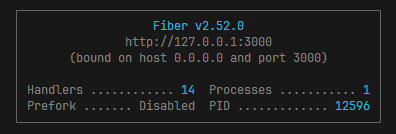
- After that, go to command prompt, and run command below:
ngrok http 3000- Make sure the port is same with your golang port
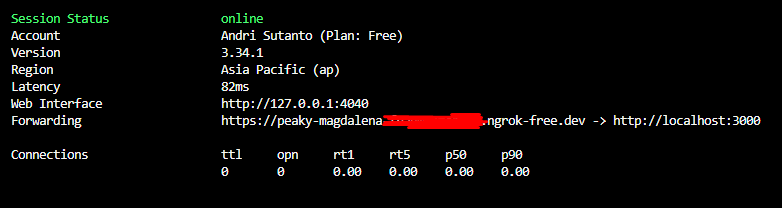
- After running command above, it will show forwarding address. Ngrok will automatically assign a sub domain for you. You can now testing using that URL.
Using Ngrok is very helpful, especially when you’re in testing phase and want to connect from your frontend to the backend side. In this case, I use Ngrok to connect from mobile app running on my device to my local Golang backend.
Visited 3 times, 1 visit(s) today